Getting Started
This section walks through plugging the Pengo HDMI Grabber in for the first time and getting it working on each major OS.
| Page | Audience |
|---|---|
| Hardware setup | Anyone — read this first |
| Windows (PotPlayer) | Windows users |
| macOS (VLC/QuickTime) | macOS users |
| Linux | Linux users (this wiki's specialty) |
Before you plug anything in
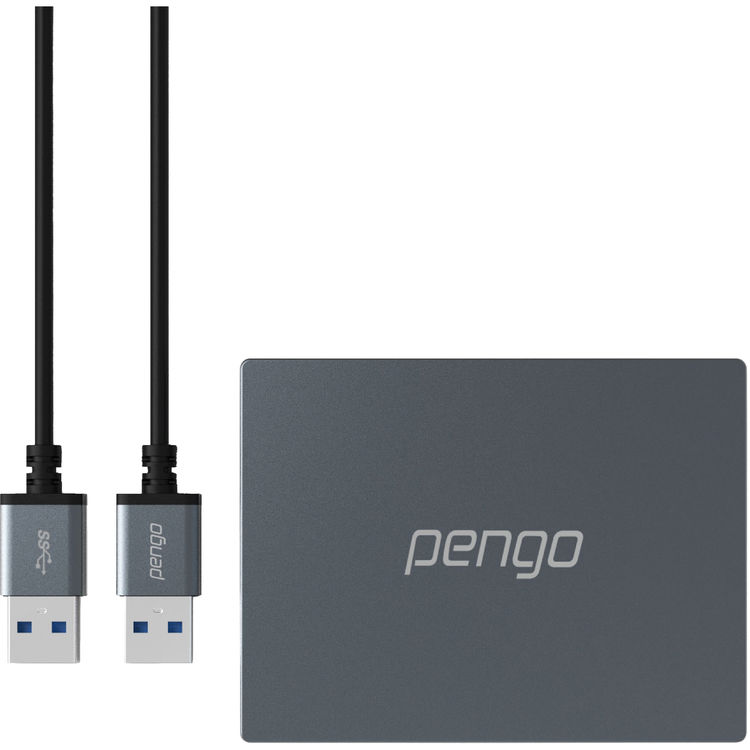
- Use the USB cable that came in the box. It is, per Pengo, a "proprietary unique cable." No hubs. No replacements. (A short USB-A→USB-C adapter at the computer end is fine.)
- Plug into a USB 3.0 port (blue inside, or marked
SS/10). USB 2.0 will technically enumerate but you'll get frame drops. - Make sure your source isn't HDCP-protected (Apple TV, most streaming sticks, Blu-ray, etc.) — protected content shows as black on a non-HDCP display path.
- Set your source to 1080p, not 1080i. The grabber does not support interlaced signals.
See Hardware setup → for the physical wiring and what each cable does.