Pengo HDMI Grabber Wiki
The unofficial technical reference for the Pengo 4K HDMI Grabber
B&H SKU: 8RGRA-H01HU4T0PE · USB ID: 1e4e:701f (Cubeternet) · Protocol: UVC 1.0 + UAC
What is it?
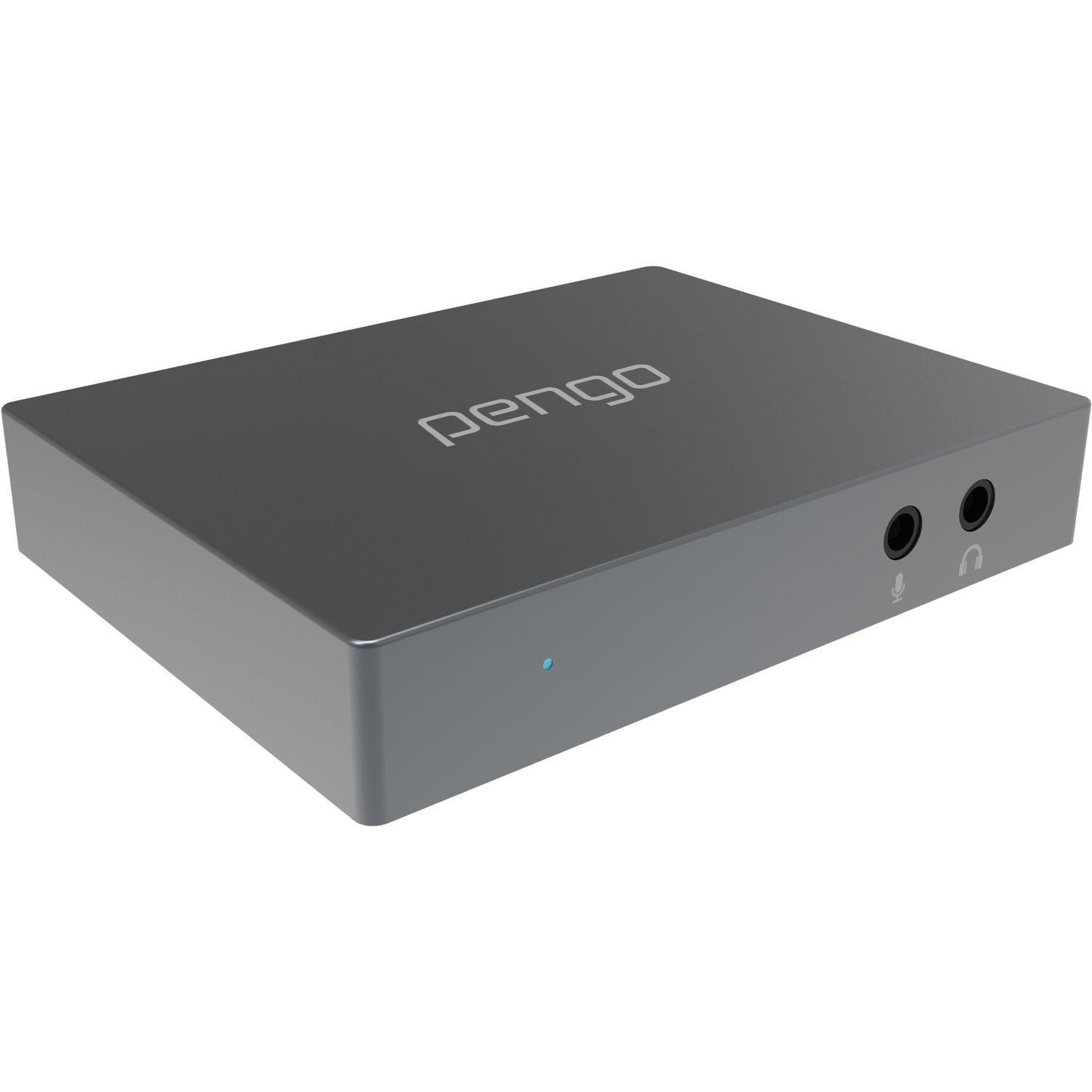
A compact external capture box that takes an HDMI 2.0 4K @ 60 fps 4:4:4 input from any source (game console, camera, PC, Raspberry Pi, etc.) and exposes it to a computer as a standard USB Video Class (UVC) webcam at up to 1080p60.
Because it speaks plain UVC + USB Audio Class, no driver installation is
required on any modern Linux, macOS or Windows host — plug it into a USB 3.0
port and it appears as /dev/video0 (Linux), a webcam (macOS/Windows), and a USB
audio device.
What's here
-
Use cases, connection diagrams, what works and what doesn't.
-
Full spec table pulled from the manufacturer manual, verified against
v4l2-ctloutput. -
Labelled photos of every port, jack, and LED.
-
The main event. Detection, FFmpeg, GStreamer, OBS, ALSA.
-
Reading frames into Python, feeding them to Claude / GPT-4V, live vision loops.
-
HDCP, 1080i, USB 2.0 frame drops, mic-level input, the proprietary cable, and more.
TL;DR
| Input | 1× HDMI 2.0 (up to 4K60 4:4:4) |
| Loop output | 1× HDMI 2.0 (up to 4K60, passthrough only) |
| USB output | 1× USB-A 3.0, up to 1080p60 UVC (YUYV 4:2:2 or MJPG) |
| Audio | HDMI embed, 3.5 mm mic input, 3.5 mm headphone output |
| Drivers | None required — built into Linux (uvcvideo), macOS, Windows |
| Does NOT do | HDCP-protected sources, 1080i sources, 4K over USB, record to SSD by itself |
Use the included USB cable
The USB-A cable shipped in the box is "proprietary" per the manufacturer. Plugging the grabber in via a hub or a random USB-A cable will degrade bandwidth and may prevent the device from enumerating. A short USB-A→USB-C adapter at the computer end is fine.
Last verified against a unit plugged into Linux 7.2.2 on 2026-08-29. Spec source: Pengo user manual v.9 and v.10, B&H product page, Pengo Windows Tool v.190122. Pengo Technology Co., Ltd. is defunct as of 2024; this wiki preserves their documentation from the Wayback Machine.