Gallery
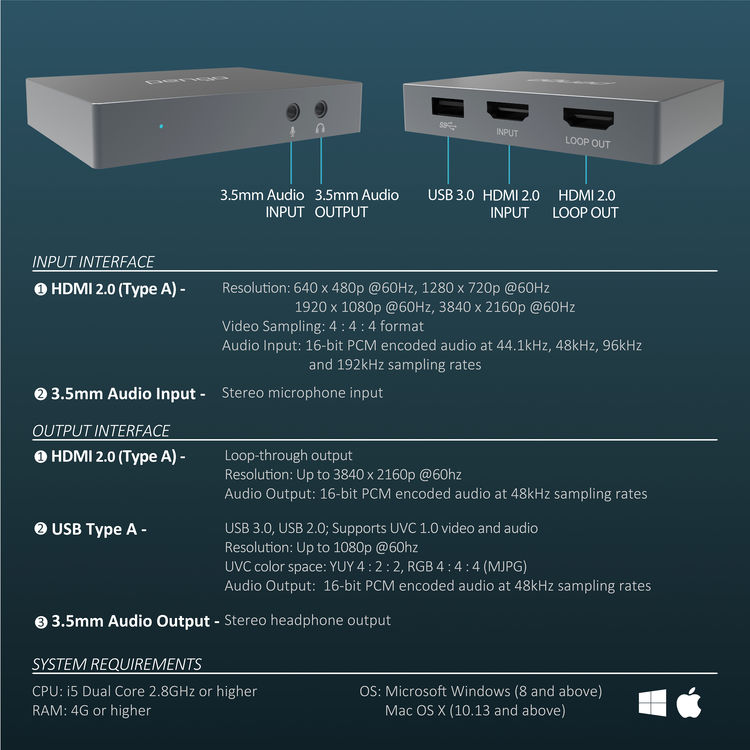
Labelled photographs of every surface, port, and indicator on the Pengo HDMI Grabber. Click any image to view it full size.
The unit, top view
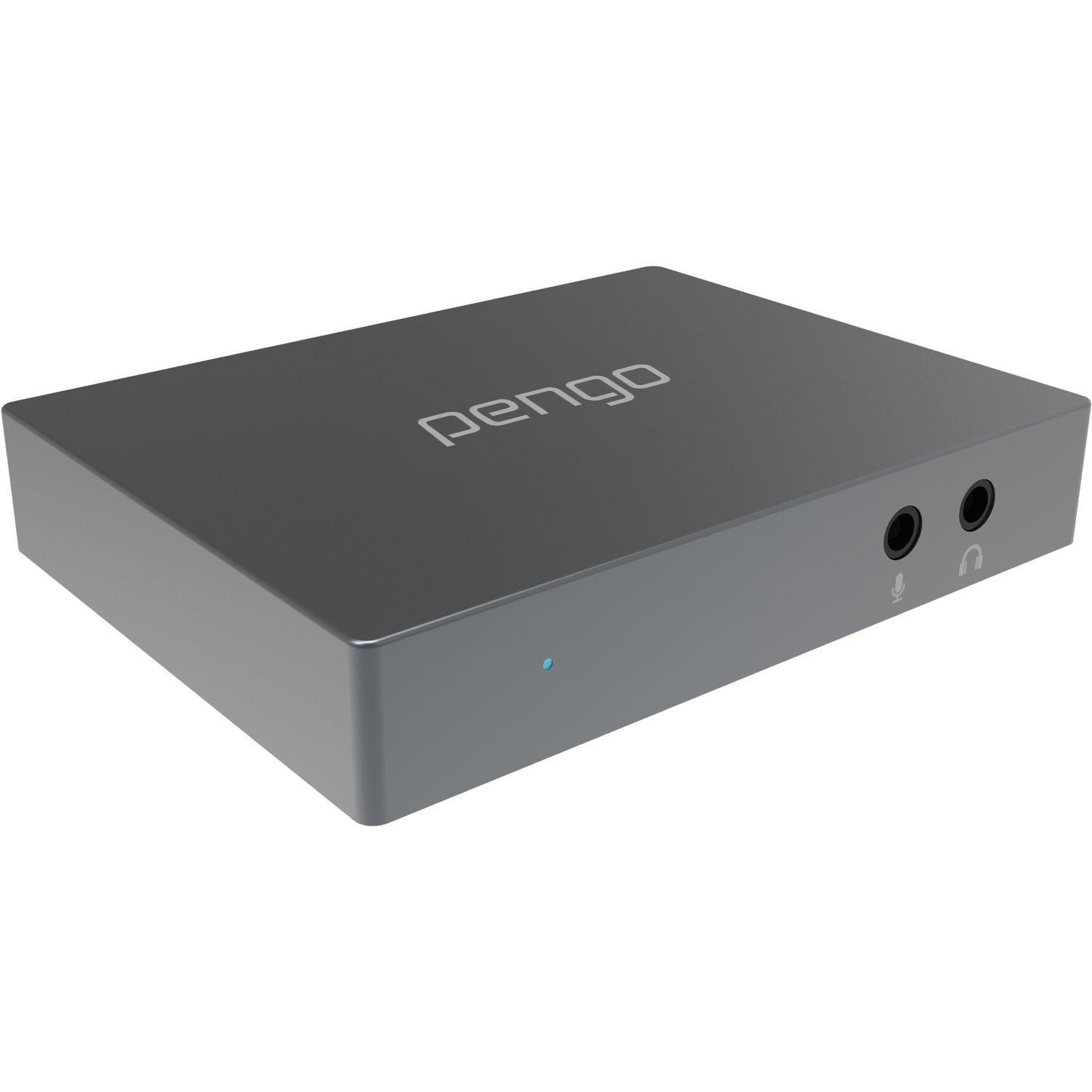
A small (85 × 65 mm), 91 g aluminium brick in a titanium-grey finish. The pengo wordmark sits centred on the top face. There is one status LED on the front edge, just below the seam.
Front face — microphone & headphone jacks
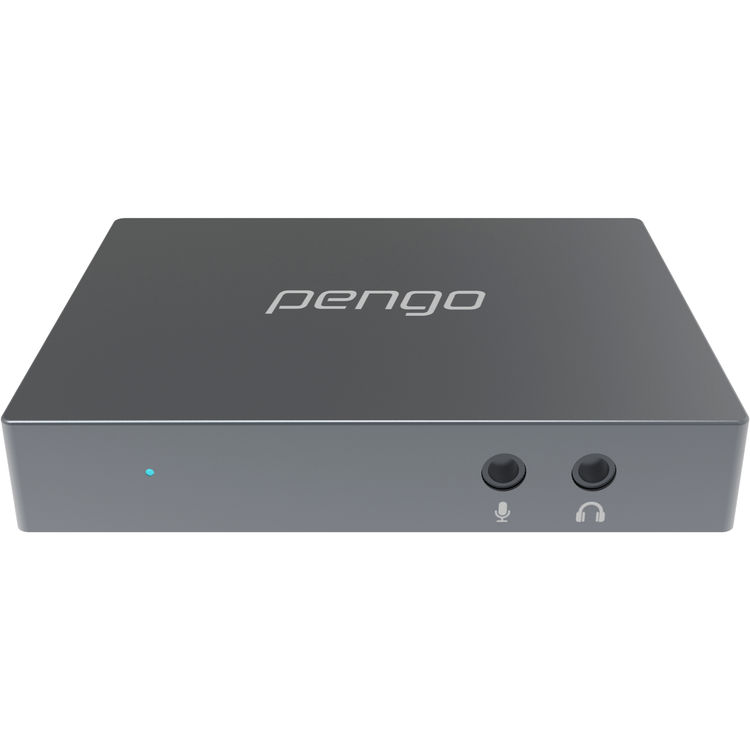
| Left jack (with mic glyph) | Right jack (with headphones glyph) |
|---|---|
| 3.5 mm TRS — microphone input (mono, mic level) | 3.5 mm TRS — stereo headphone output |
The microphone input is summed into the USB audio stream and the HDMI loop. The headphone output mirrors whatever audio is present in the active stream.
Back face — USB, HDMI input, HDMI loop output
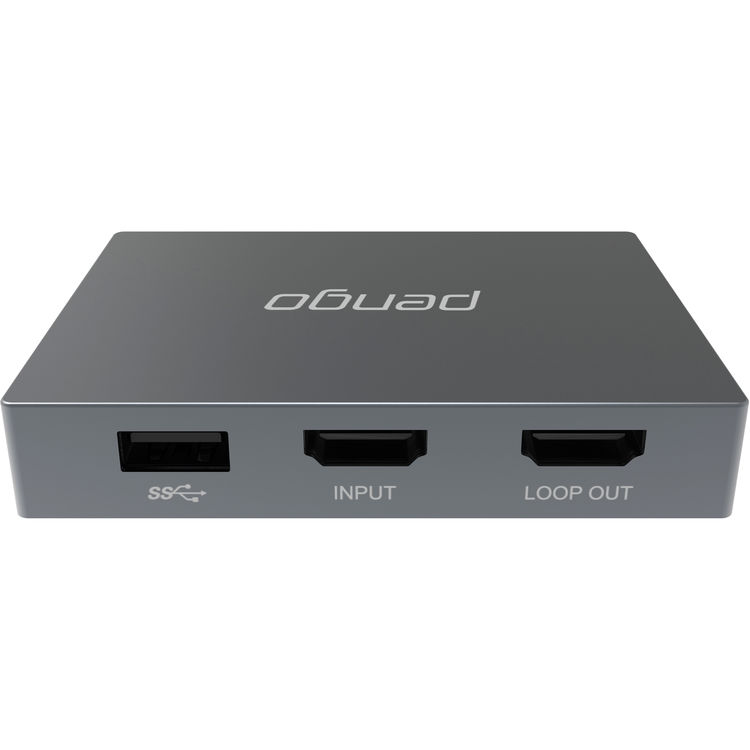
| Port | Function |
|---|---|
SS↔ (USB-A 3.0, leftmost) |
USB data + power to host. Use the included cable. |
INPUT (centre, HDMI) |
Source signal — connect your camera, console, PC. |
LOOP OUT (right, HDMI) |
Passthrough to a local 4K TV/monitor at full quality. |
Annotated block diagram
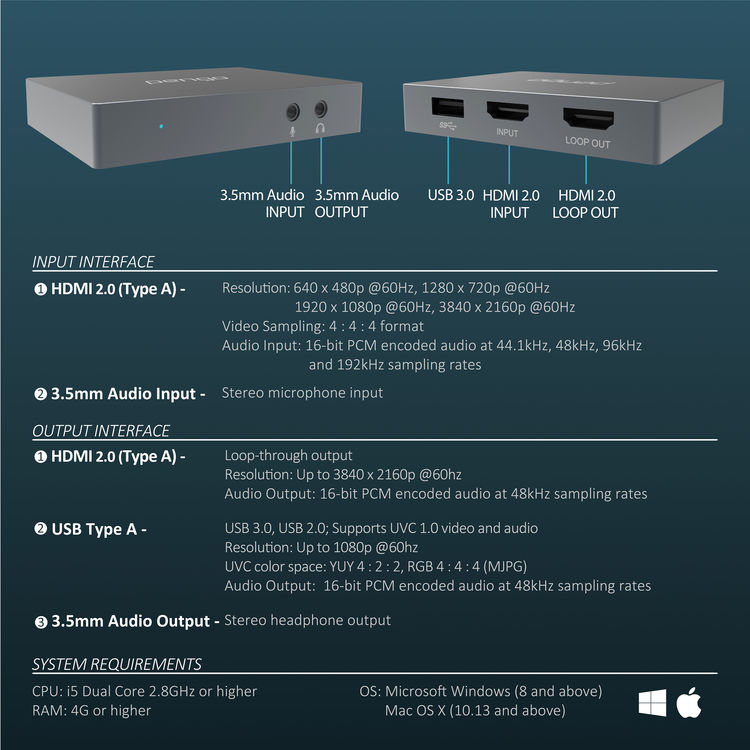
This is the diagram from the Pengo v.9 user manual, showing every connection and the USB / HDMI / 3.5 mm paths.
Software interface (Windows)
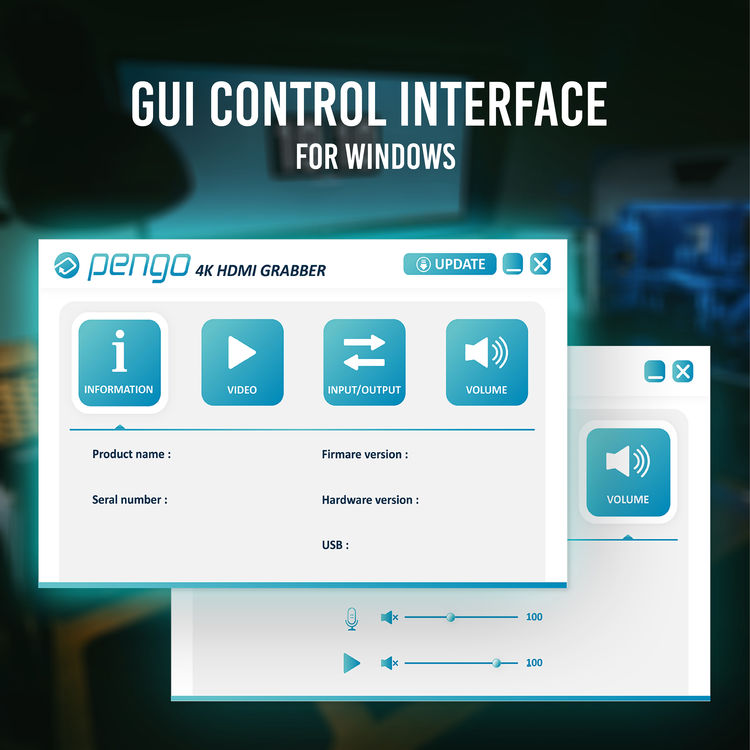
On Windows the unit surfaces as a generic UVC webcam (Pengo HDMI Grabber)
visible to PotPlayer, VLC, OBS, Zoom, etc. No vendor-specific GUI is
required. On Linux, every parameter is controllable via v4l2-ctl /
v4l2-ctl --set-ctrl=....
Marketing render
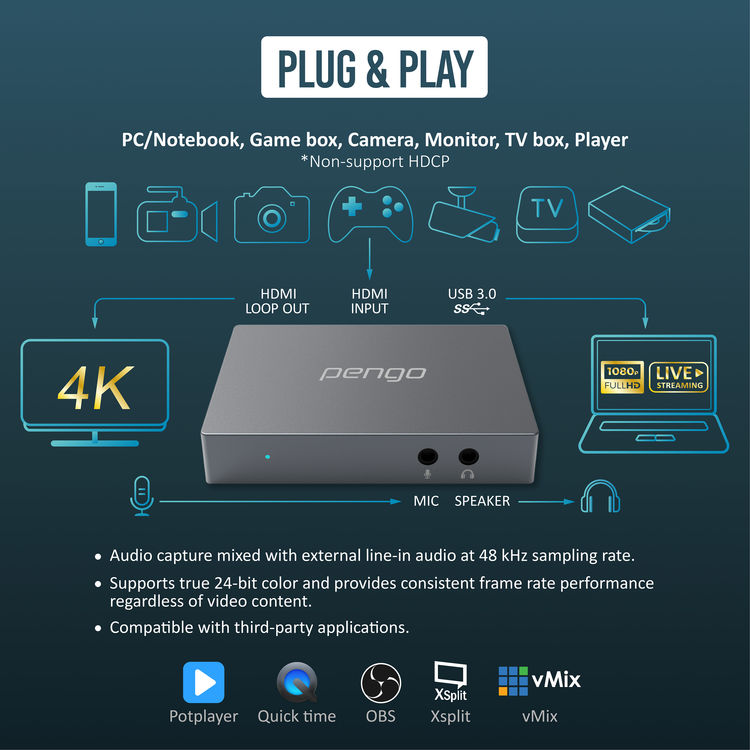
"Pengo HDMI to USB Grabber — Plug & Play." No drivers, no external power.
Bottom of unit
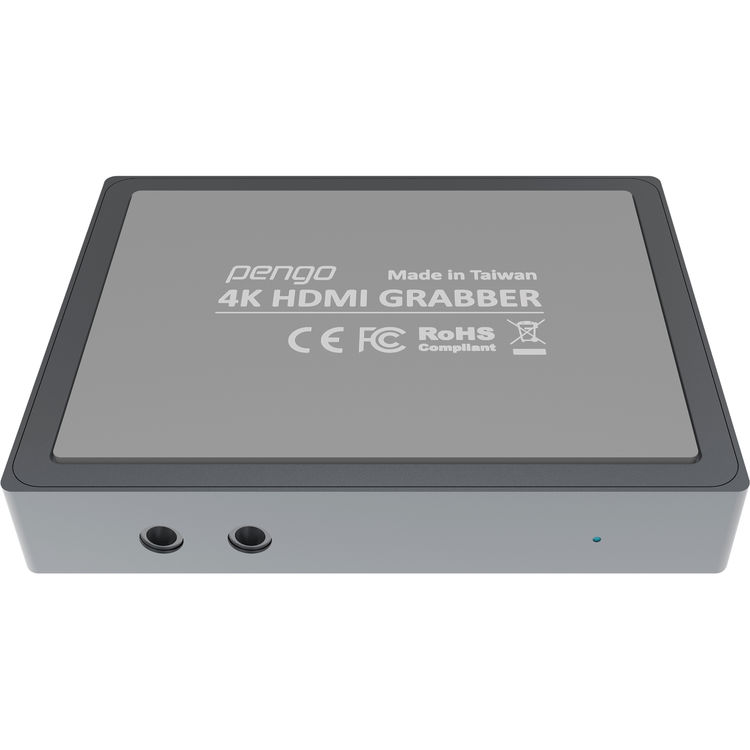
Bottom face — labels include the model number, regulatory marks, and the serial number. The serial is also reported via USB descriptors.
Underside port example
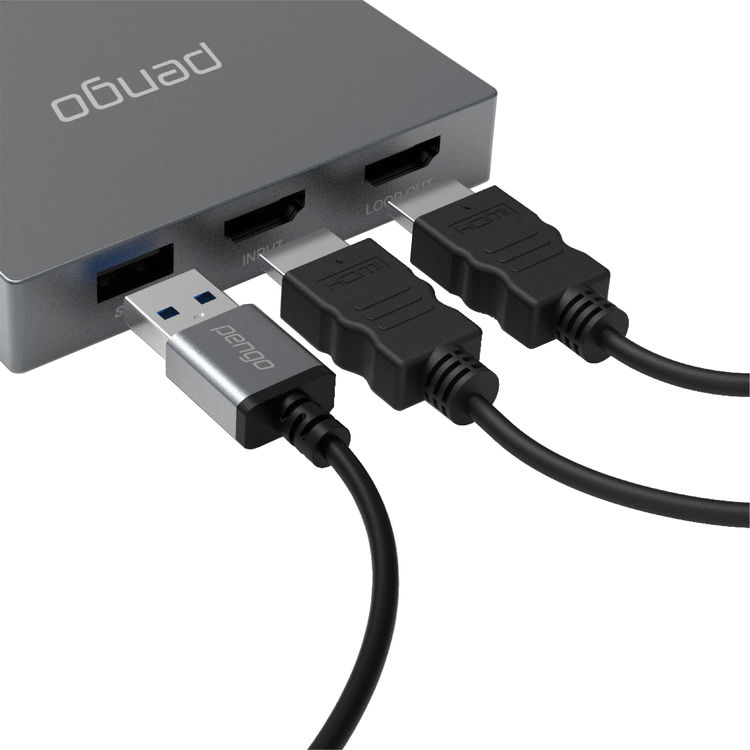
Detail of the rear port cluster. The USB-A jack is a true USB-A (not USB-C). To connect to a USB-C host, use a short passive USB-A-to-USB-C adapter at the computer end. Hubs in between can cause enumeration failures — see Troubleshooting →.
Spec sticker close-up
A consolidated view of the marketing sticker with all the headline numbers.
Next: Getting Started →